
When trying to diagnose one of the symptoms that you’re experiencing with your FiTech EFI system your best option is to record a data log. Today on FiTech’s Tech Tuesday we’re going to go through the steps on how to record and pull a data log off of your handheld so you can email it to FiTech’s tech support.
Tech Support Email: te******@*******fi.com
Tech Support Line: (951)340-2624 option 2
Check in every Tuesday for more tips and tricks from the FiTech experts! For more Tech Tuesdays CLICK HERE!
Have a question you want answered? Comment below and it might be our next Tech Tip!
Visit: https://fitechefi.com/
Stay Connected and follow FiTech Fuel Injection
Instagram: https://www.instagram.com/fitech_efi/
Facebook: https://www.facebook.com/fitechefi/
Twitter: https://twitter.com/fitechefi
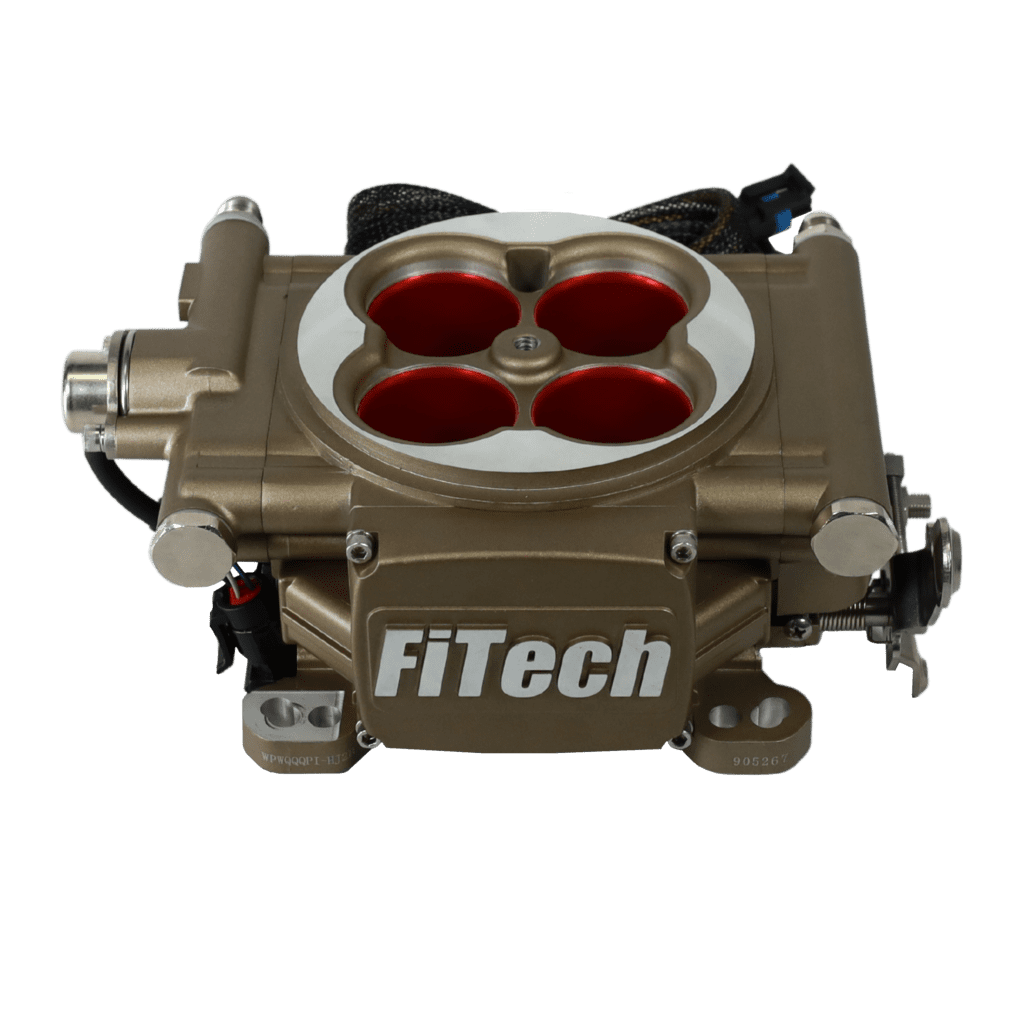
30003
Go Street EFI 400HP System
Part Number: 30003
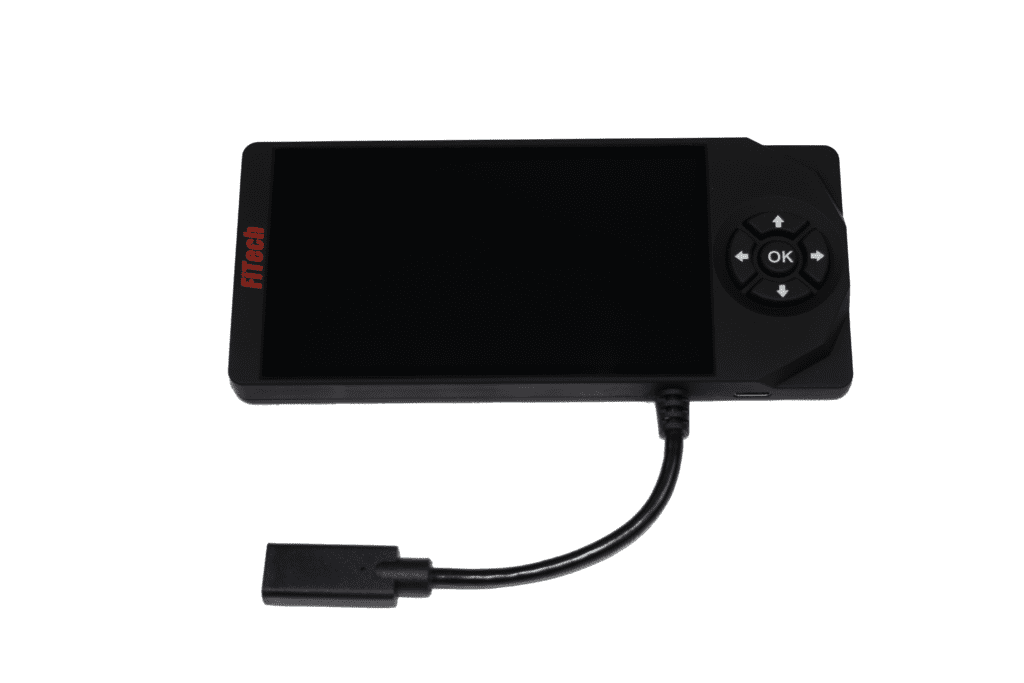
62013-30003
New Style Handheld for 30003 Go Street EFI
New Style Handheld for 30003 Go Street EFI
The Handheld does not contain USB cables. You will also need to purchase:
FiTech Part:
62014: Handheld to FiTech harness cable
62015: Mini USB Cable for handheld